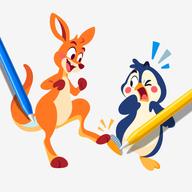
 ArtDuo
1
Pick an artwork
Animals, food, holidays, fairies, robots. The library keeps growing, and every piece is drawn as a duo.
Learn how to draw step by step, then draw live with a friend on one canvas. You take one side, they take the other, and you finish the picture together.
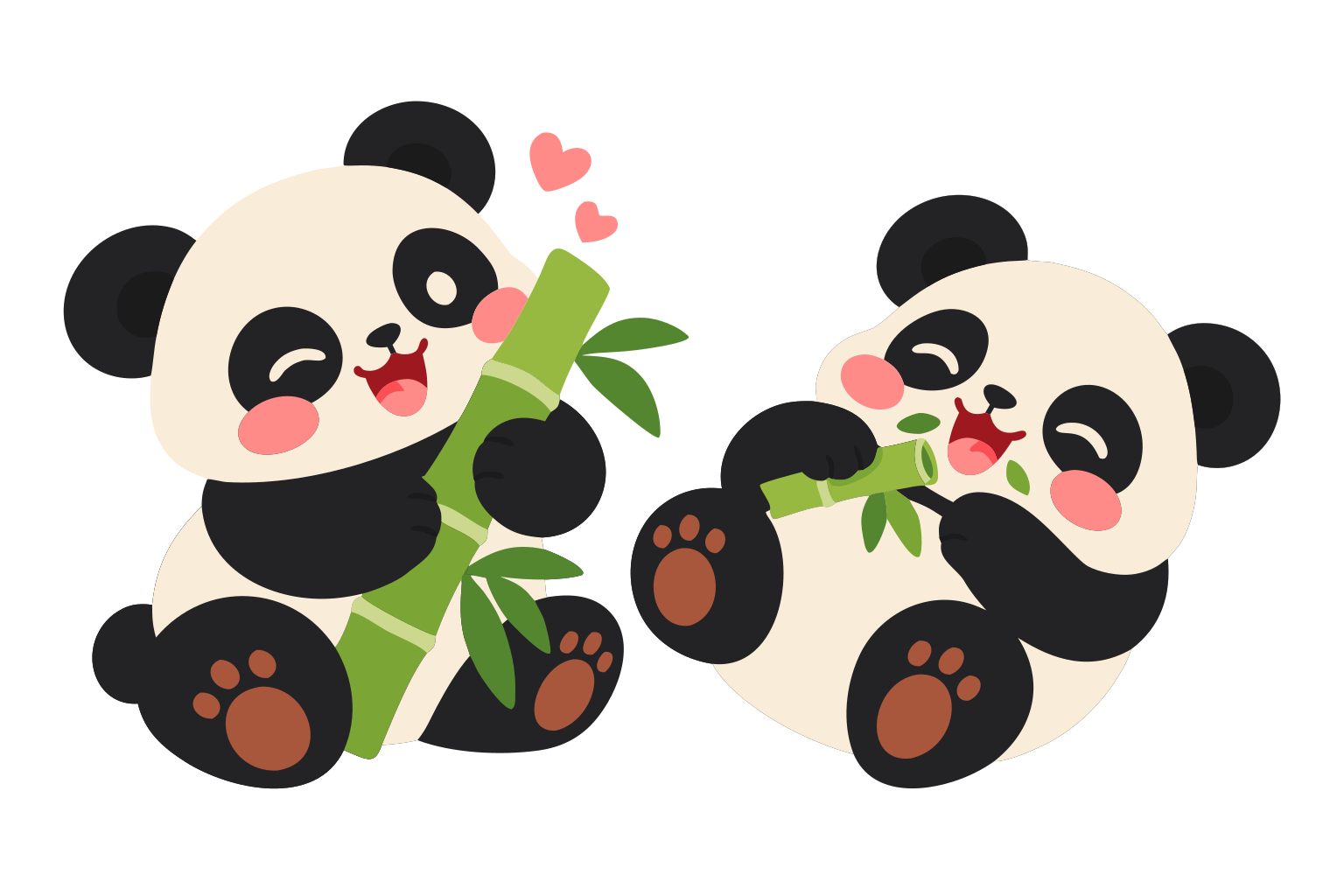
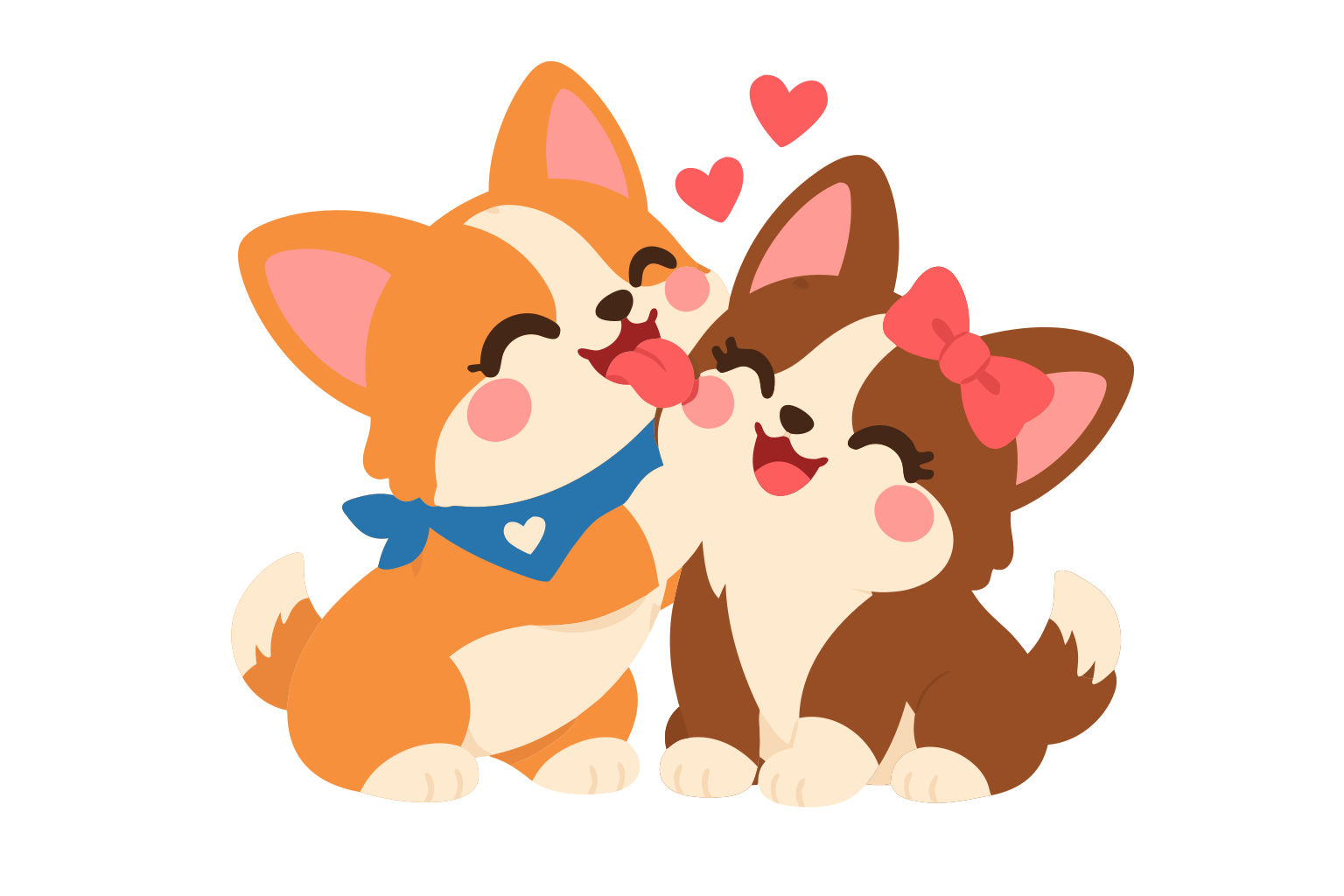
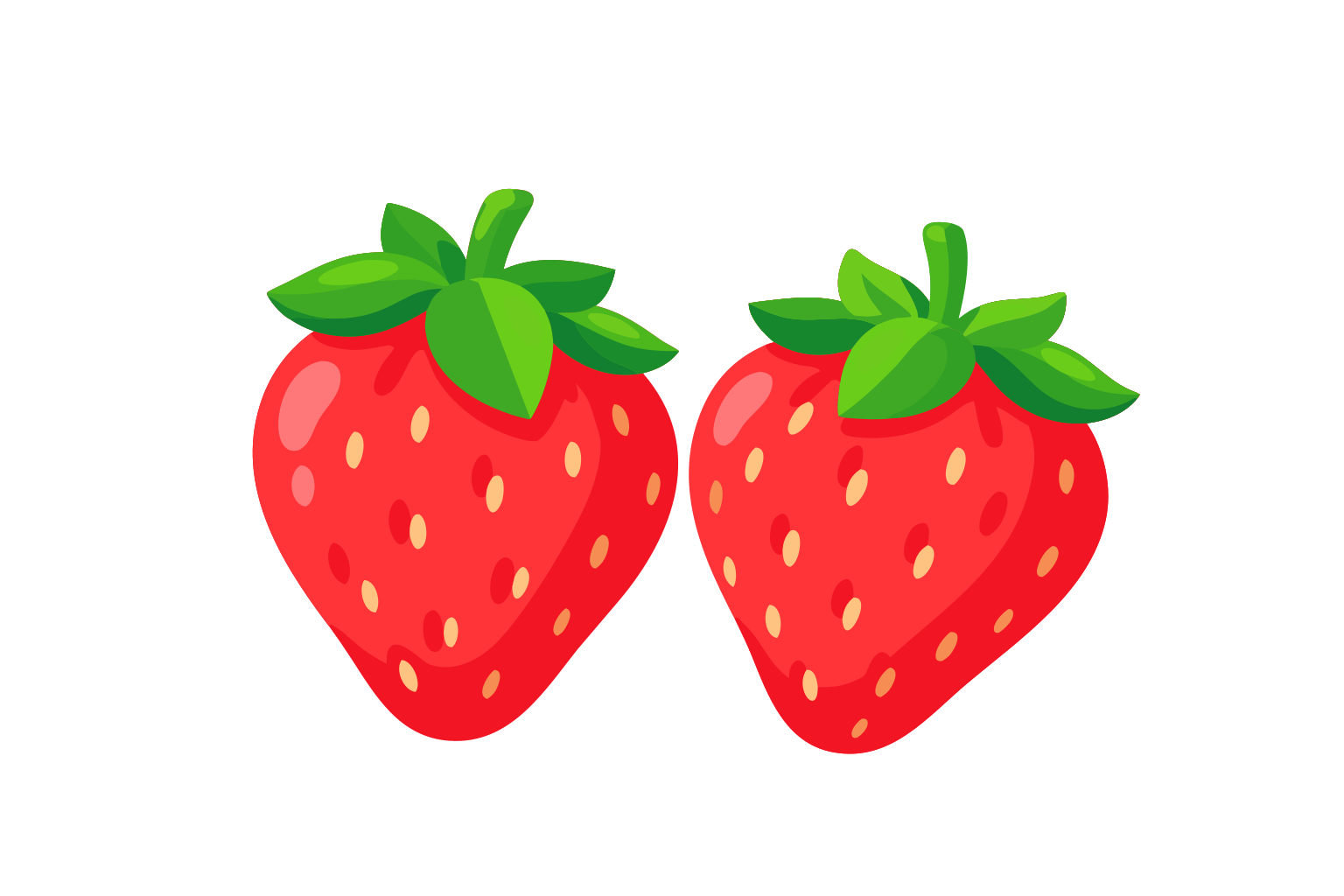

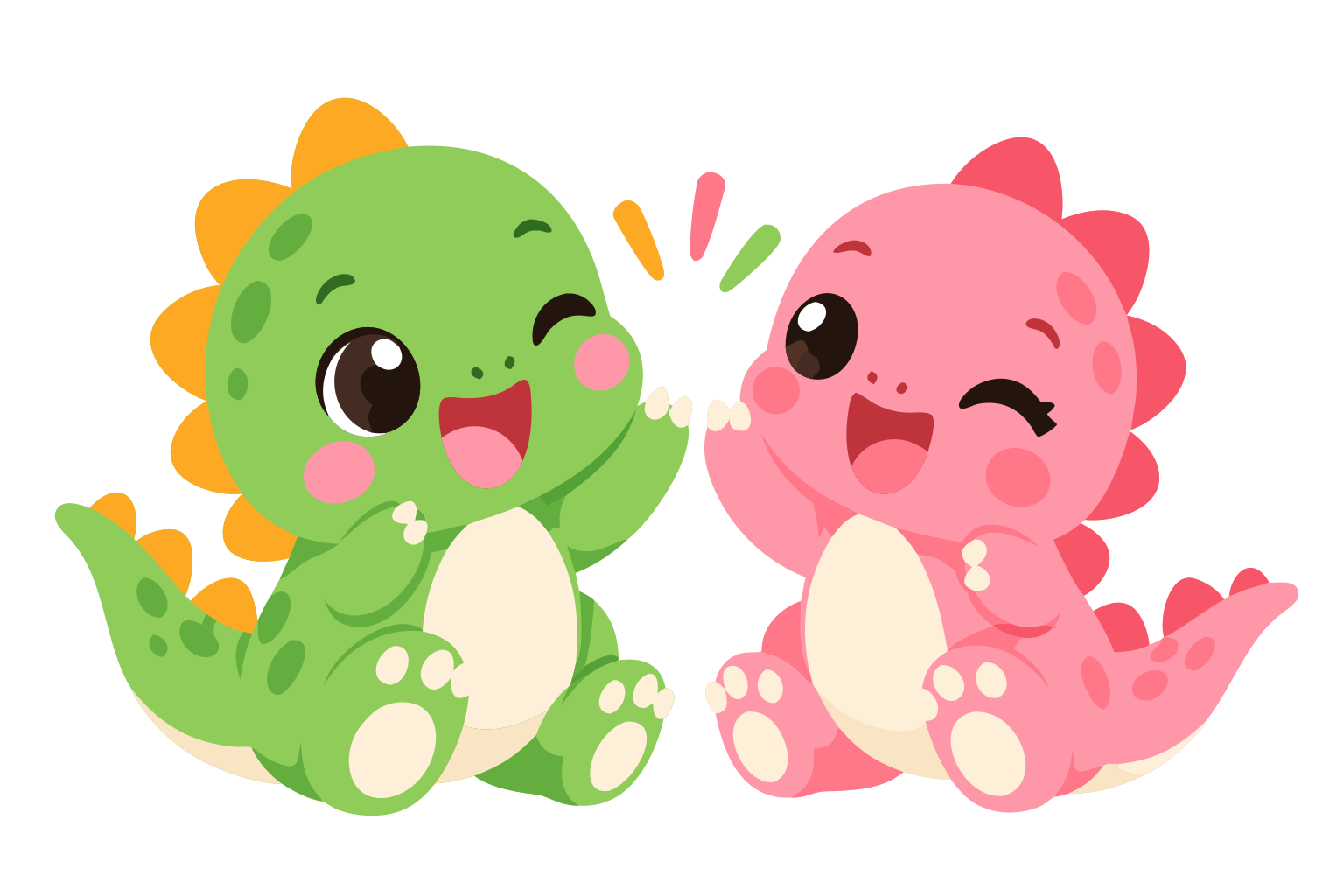 Dino high-five
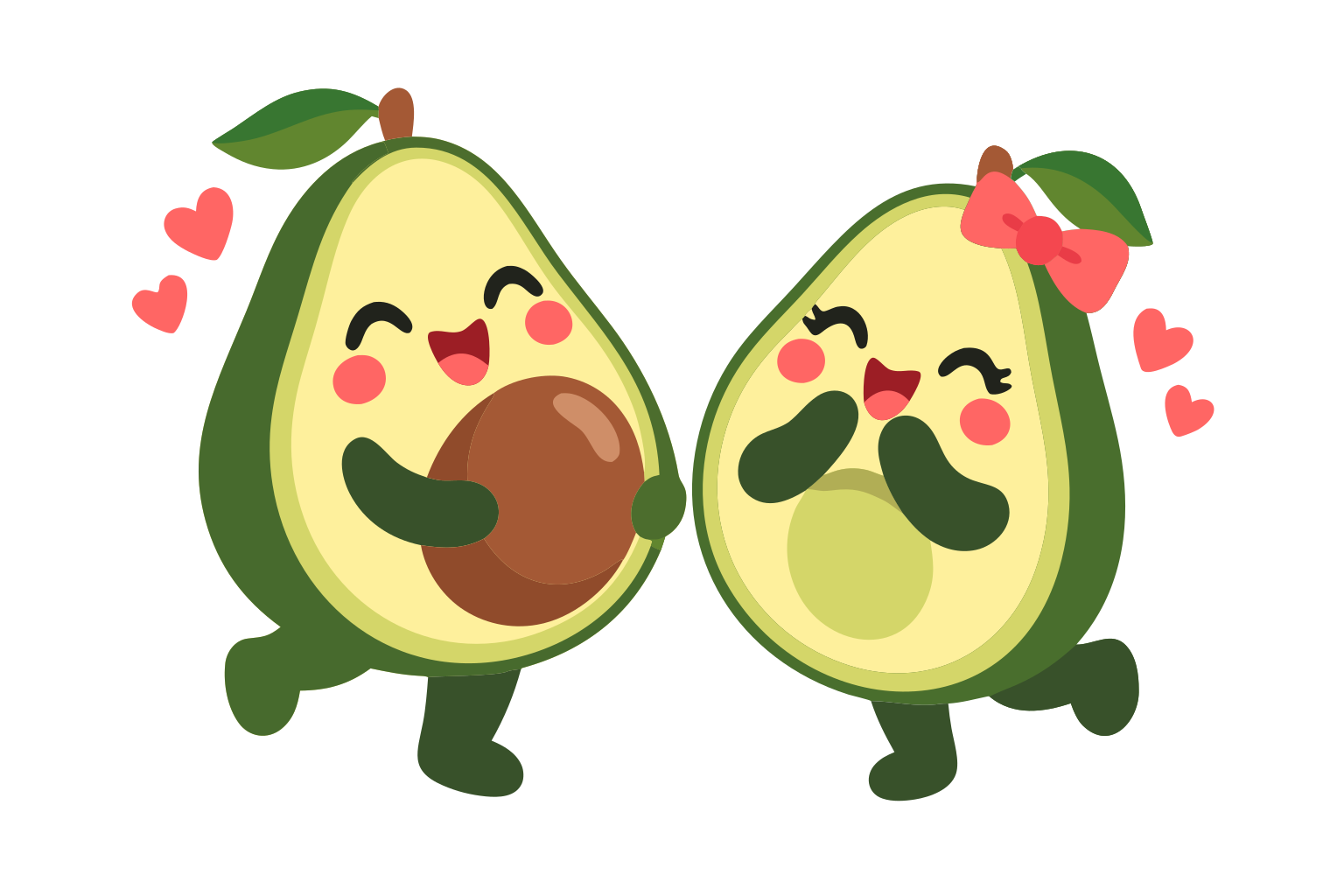 Avocado love
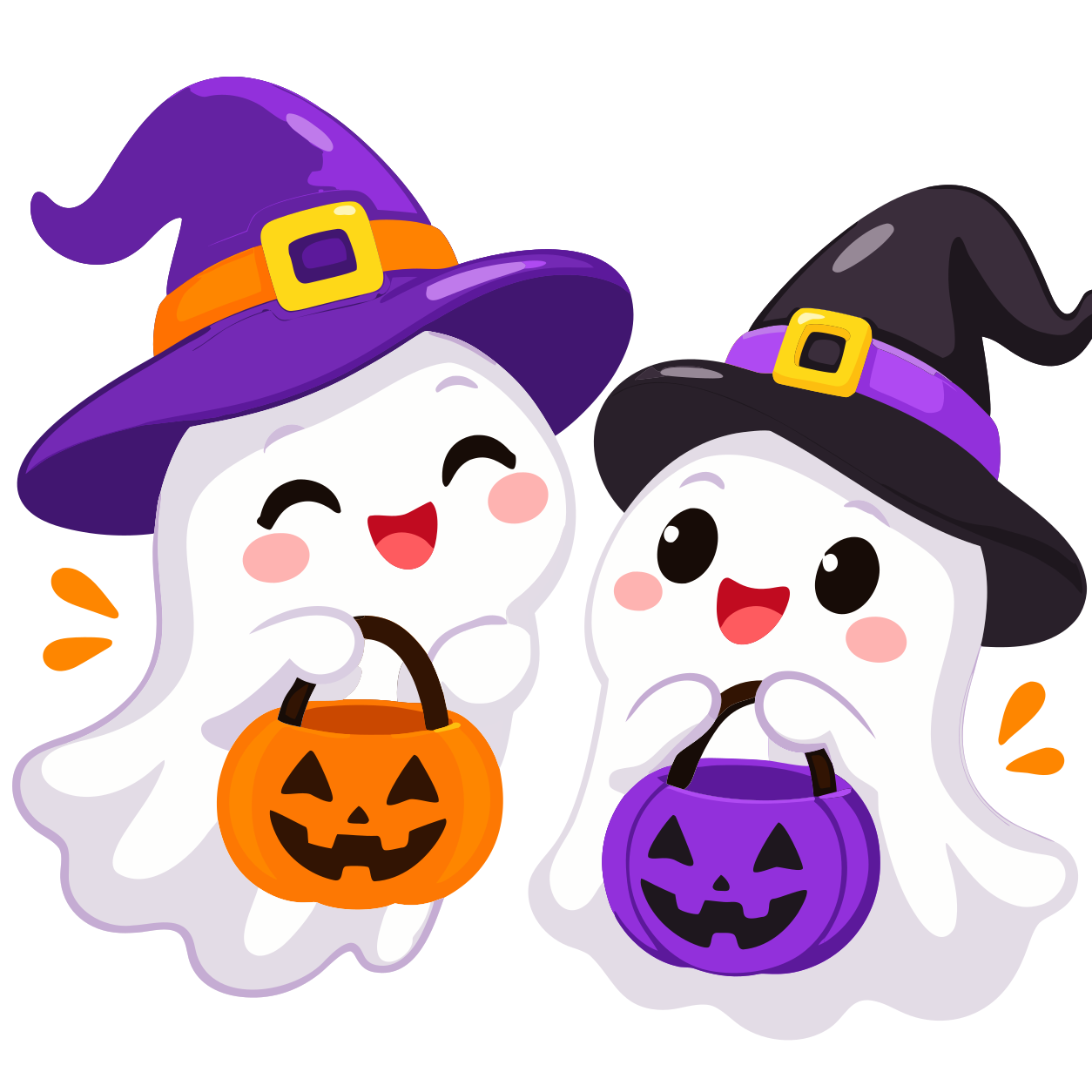 Trick-or-treat ghosts
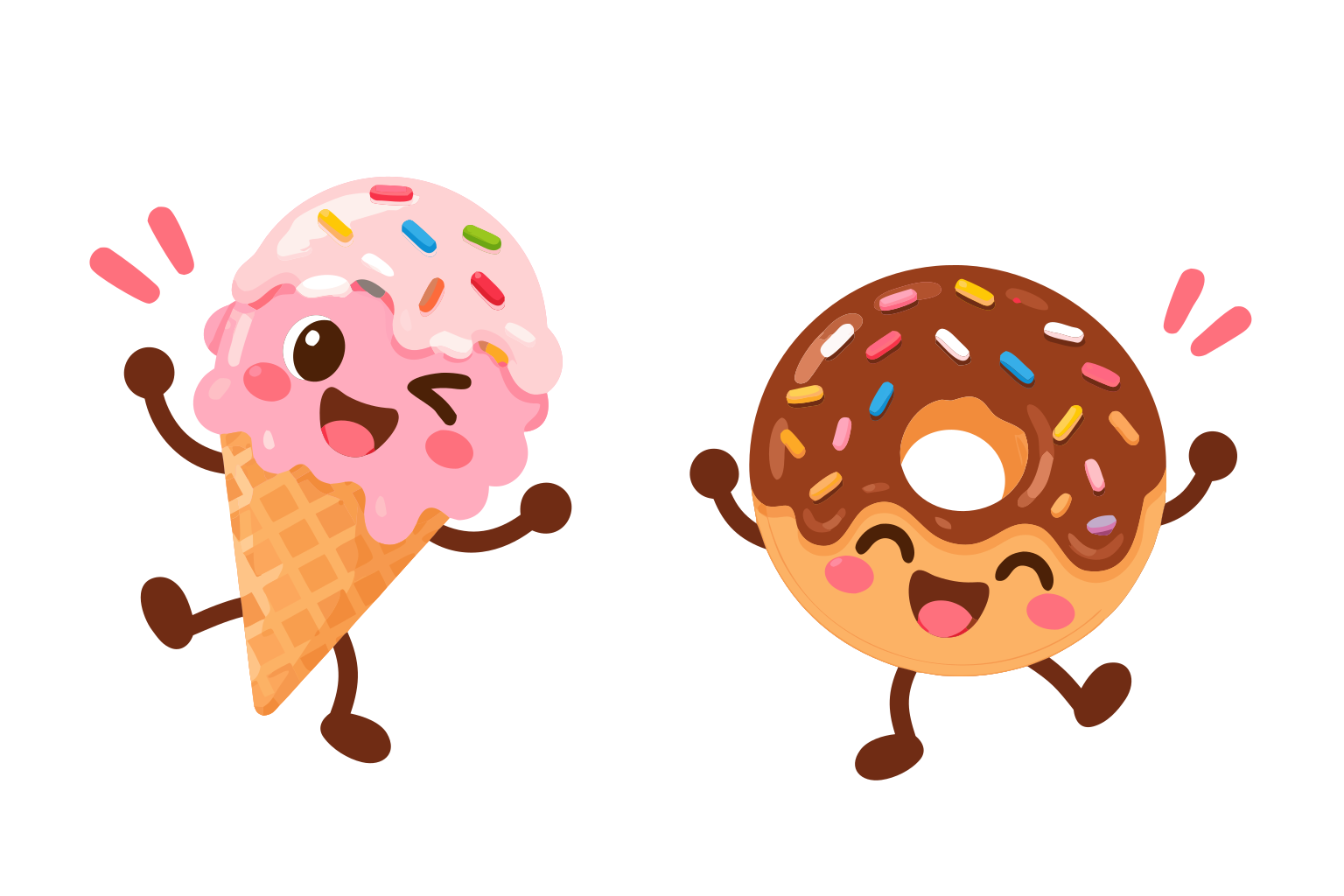 Ice cream & donut
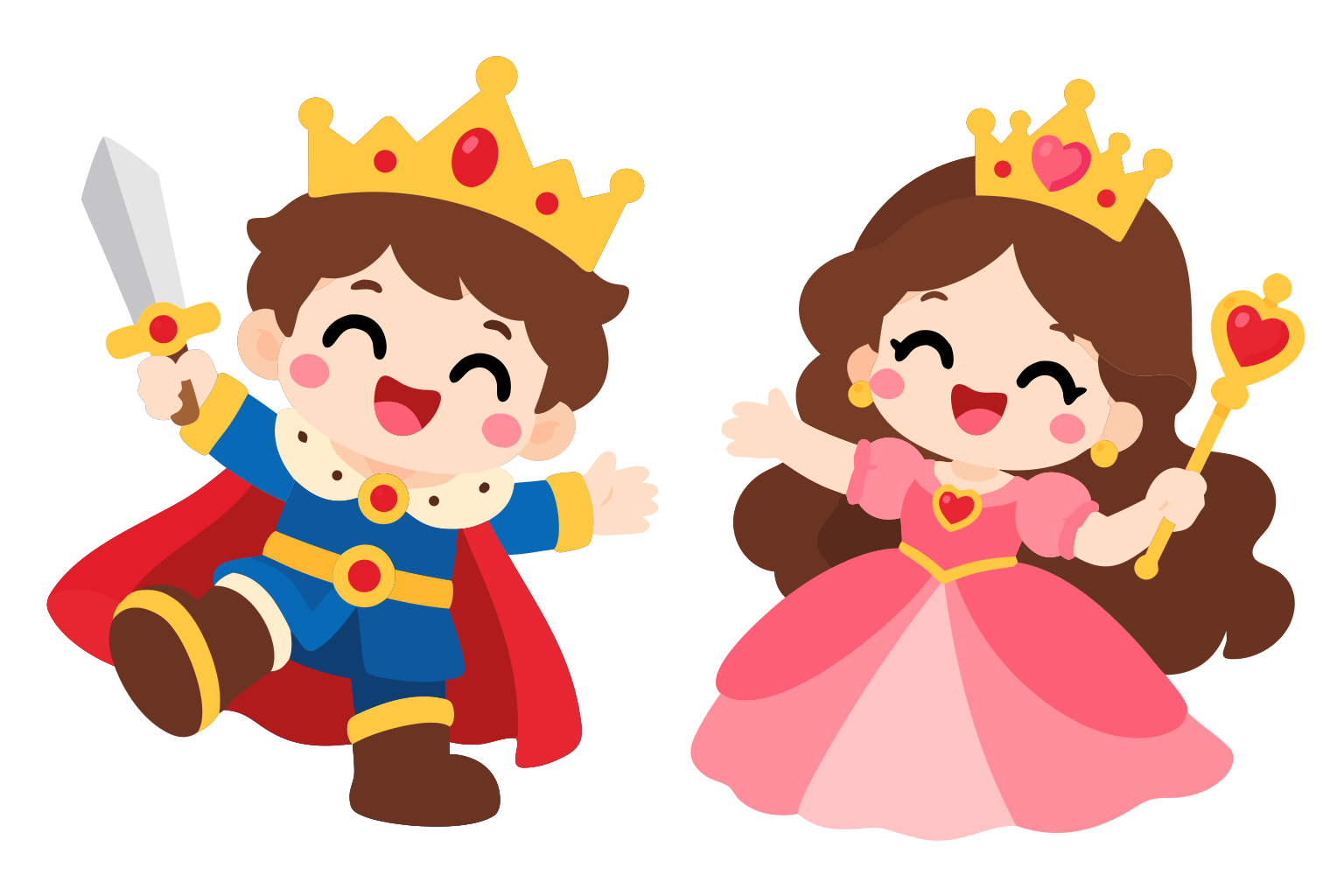 King & queen
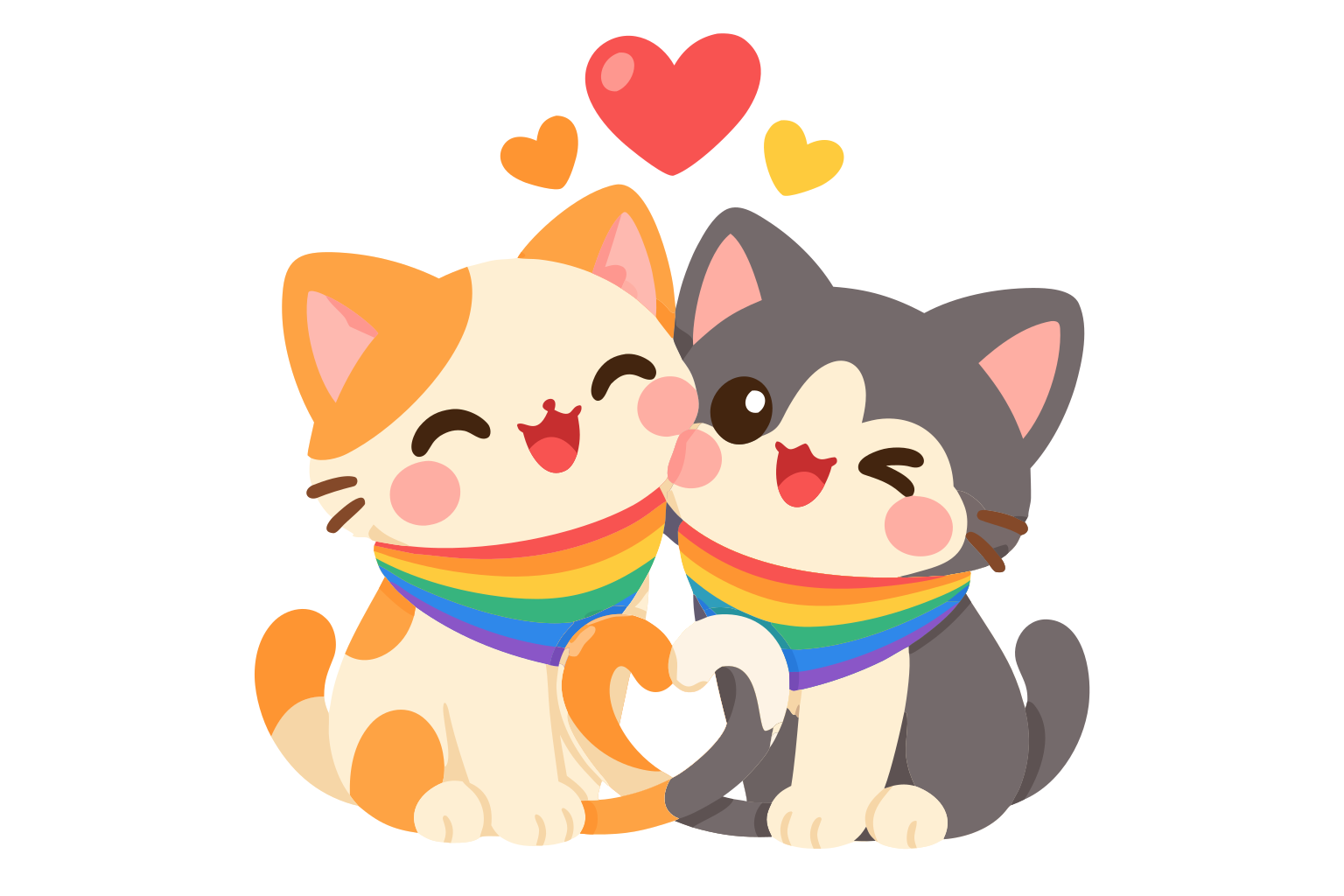 Rainbow cats
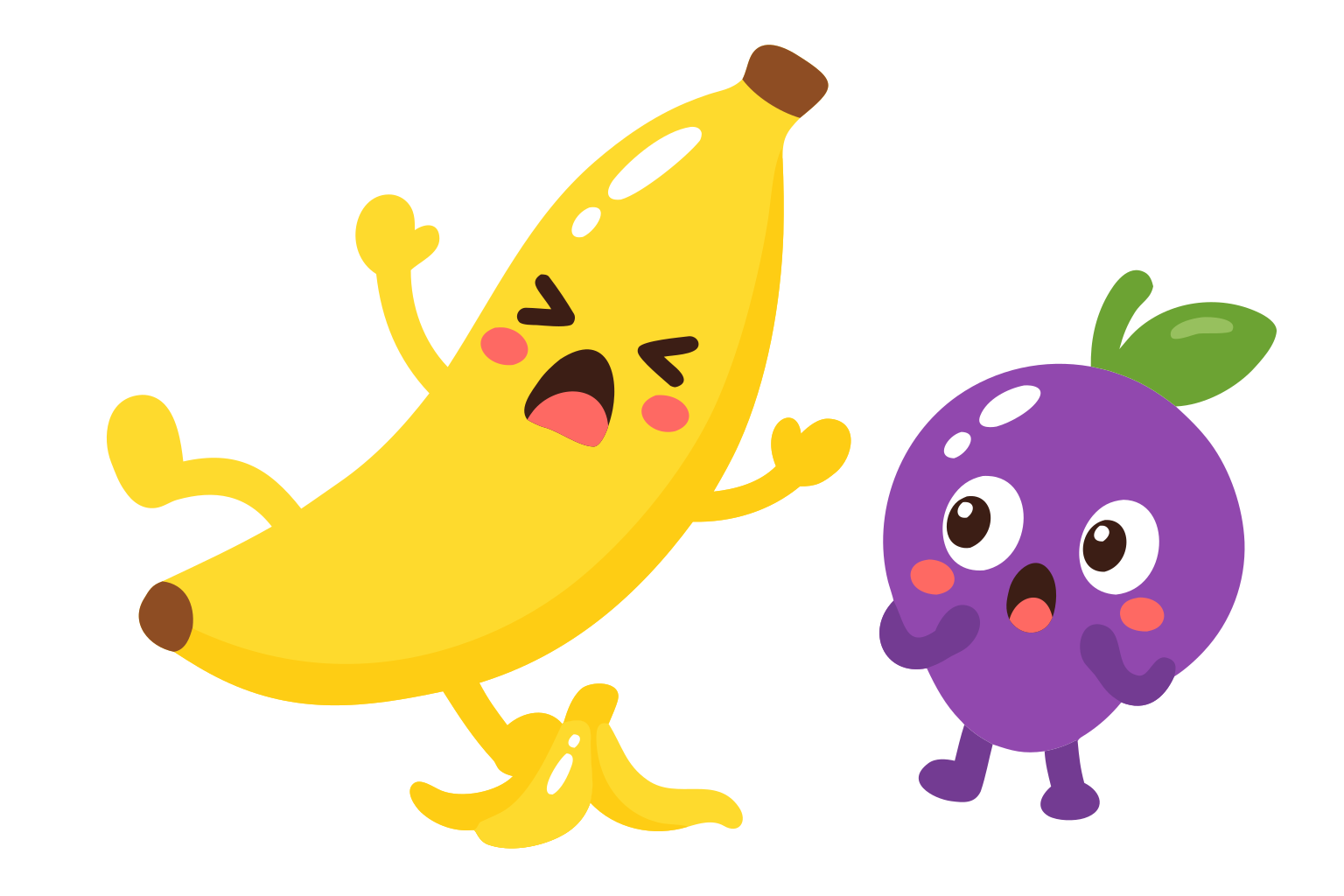 Banana & grape
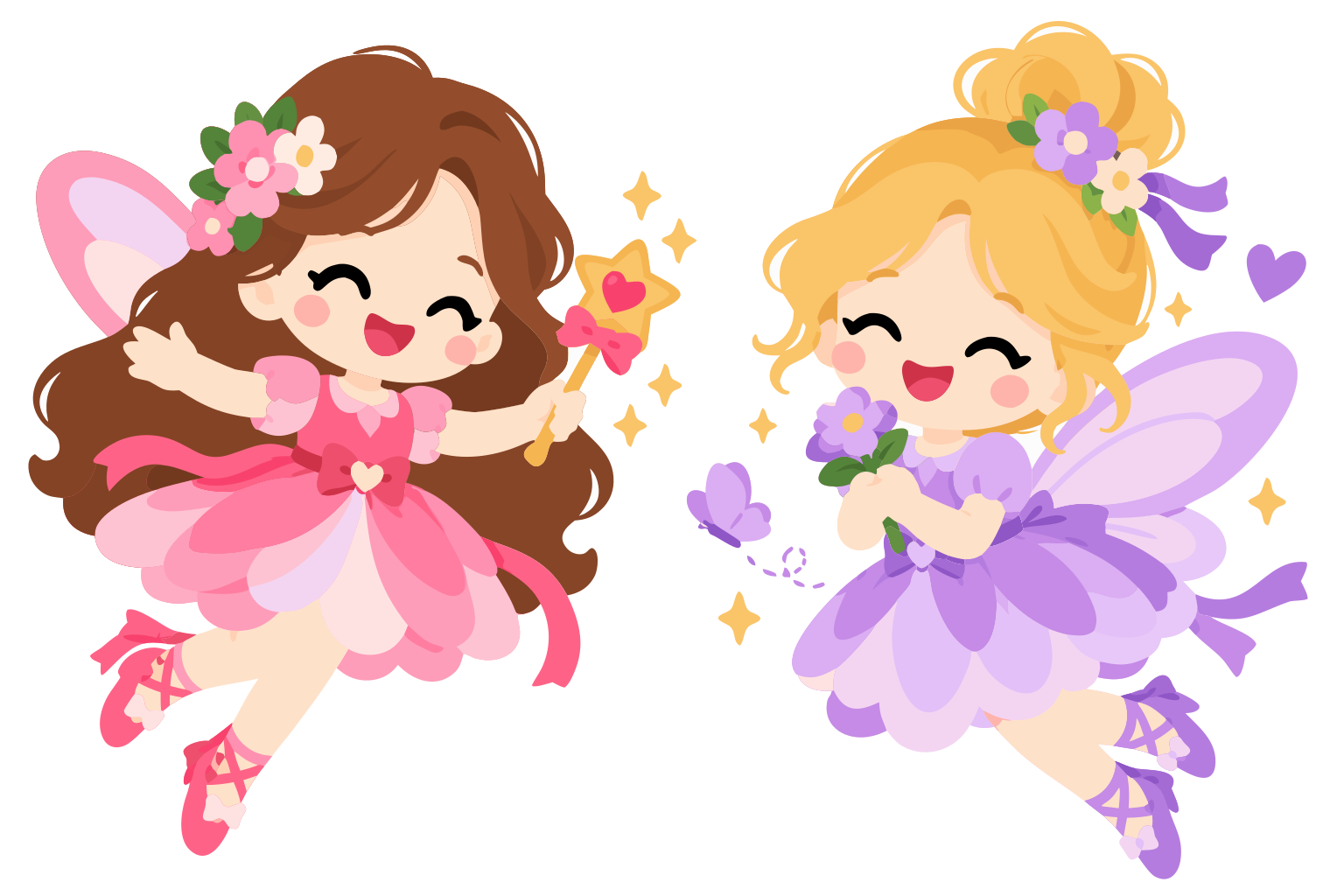 Flower fairies
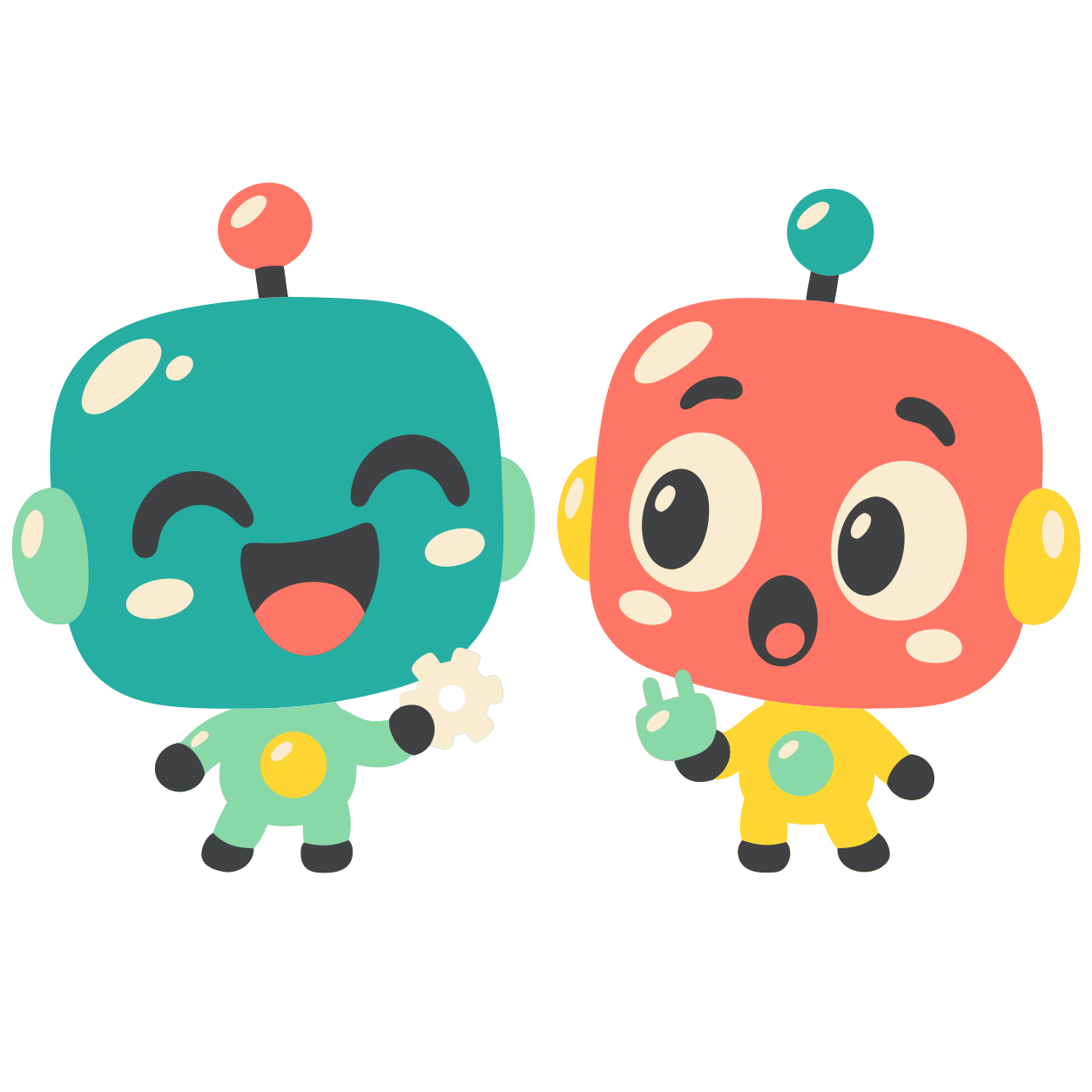 Robot buddies
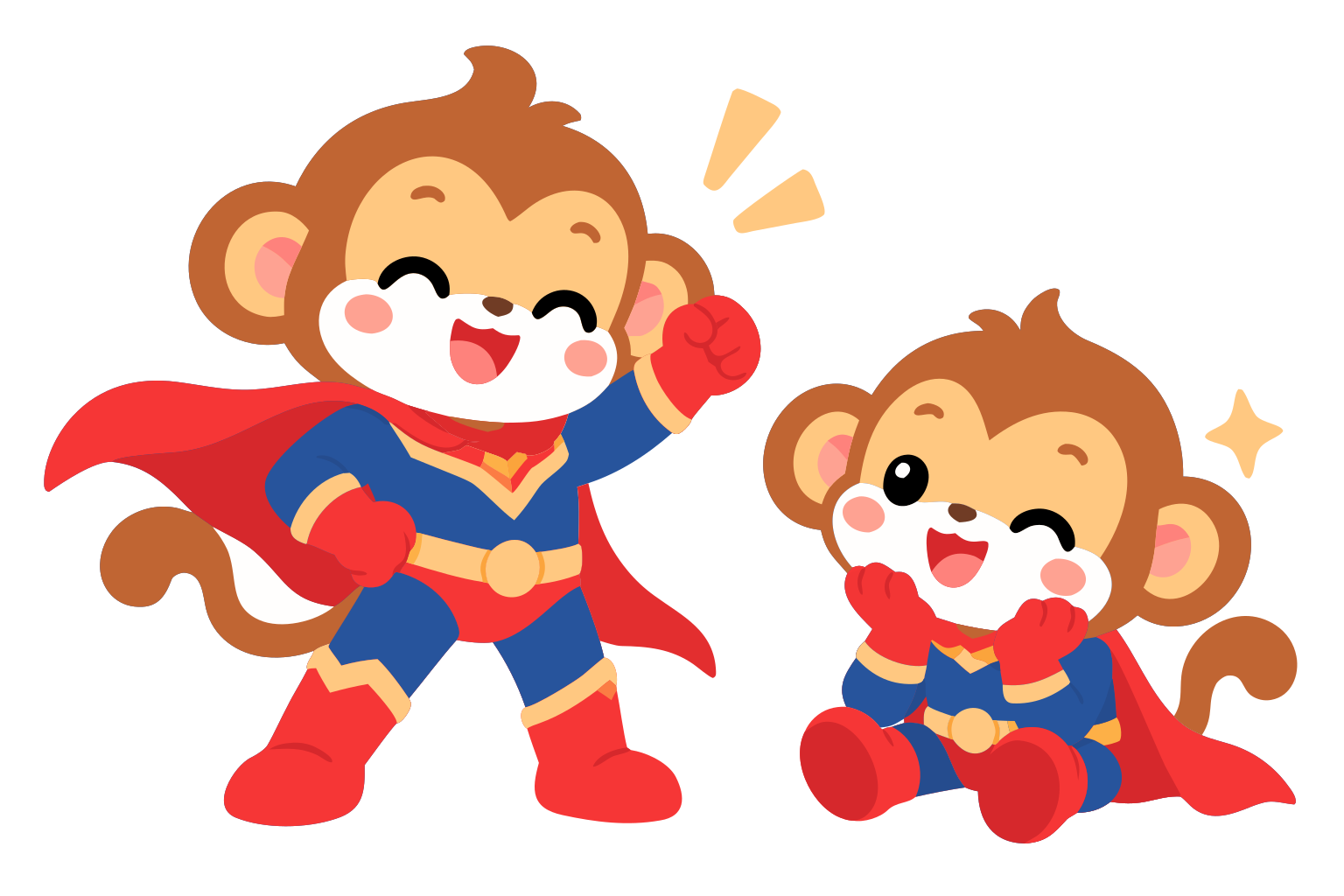 Super monkeys
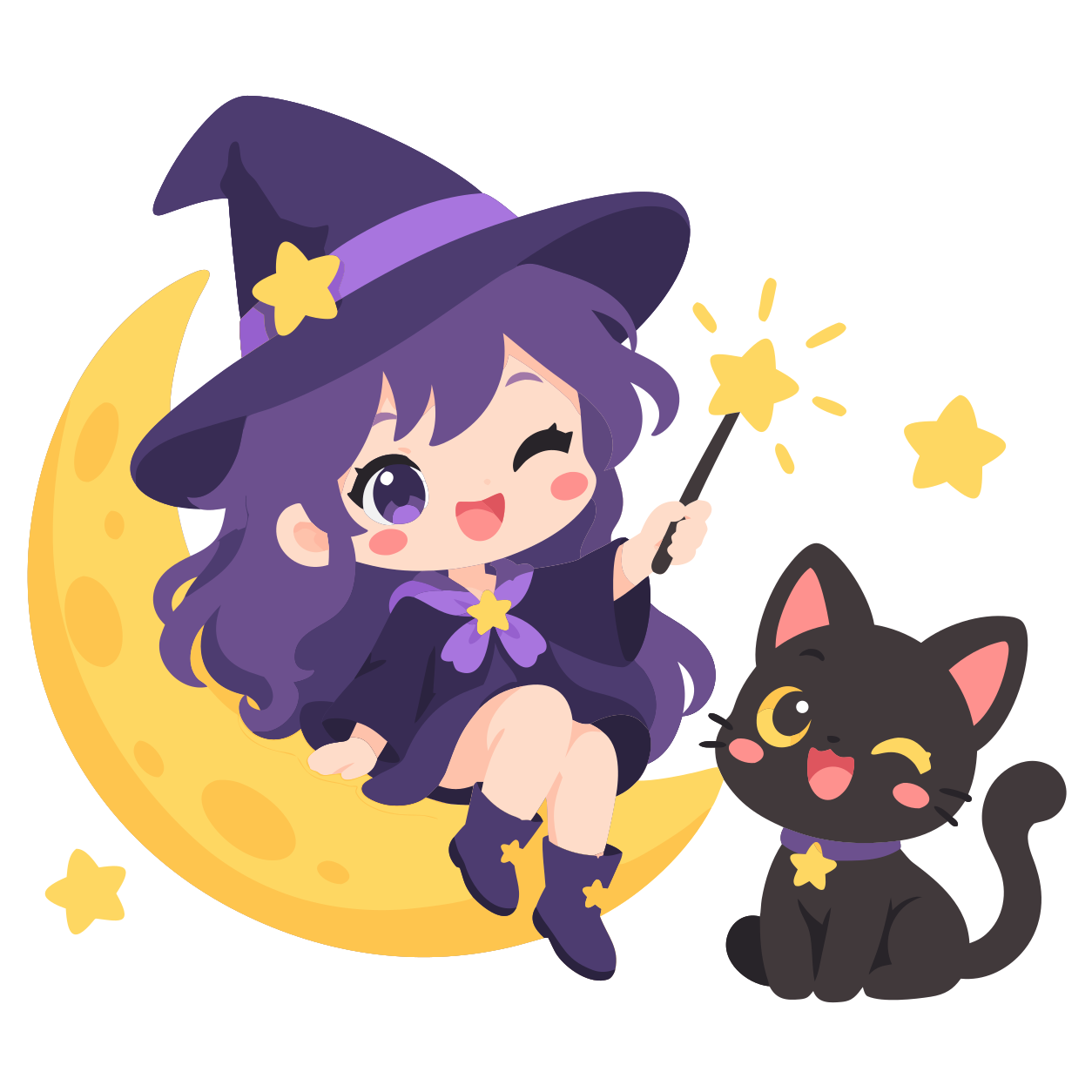 Witch on the moon
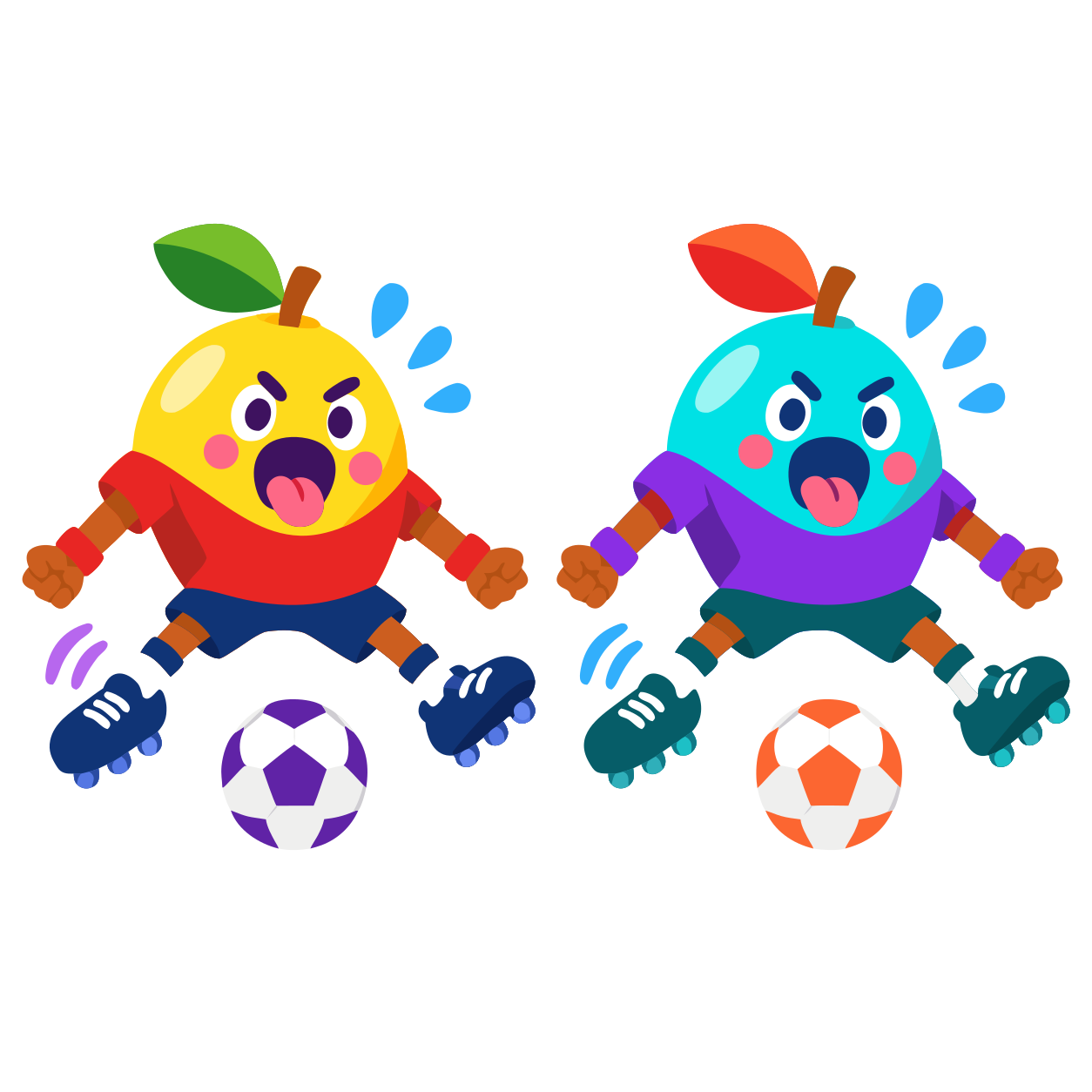 Fruit football
Every ArtDuo artwork is a pair, so there is always a side for you and a side for your partner.
Animals, food, holidays, fairies, robots. The library keeps growing, and every piece is drawn as a duo.
Share a private room code or a link with someone you know. No one around? ArtDuo pairs you with a drawing partner in seconds.
You both draw at the same time on one canvas. Cheer each other on with emoji, get a match score, then save and share the finished picture.
Swipe through each part of ArtDuo.
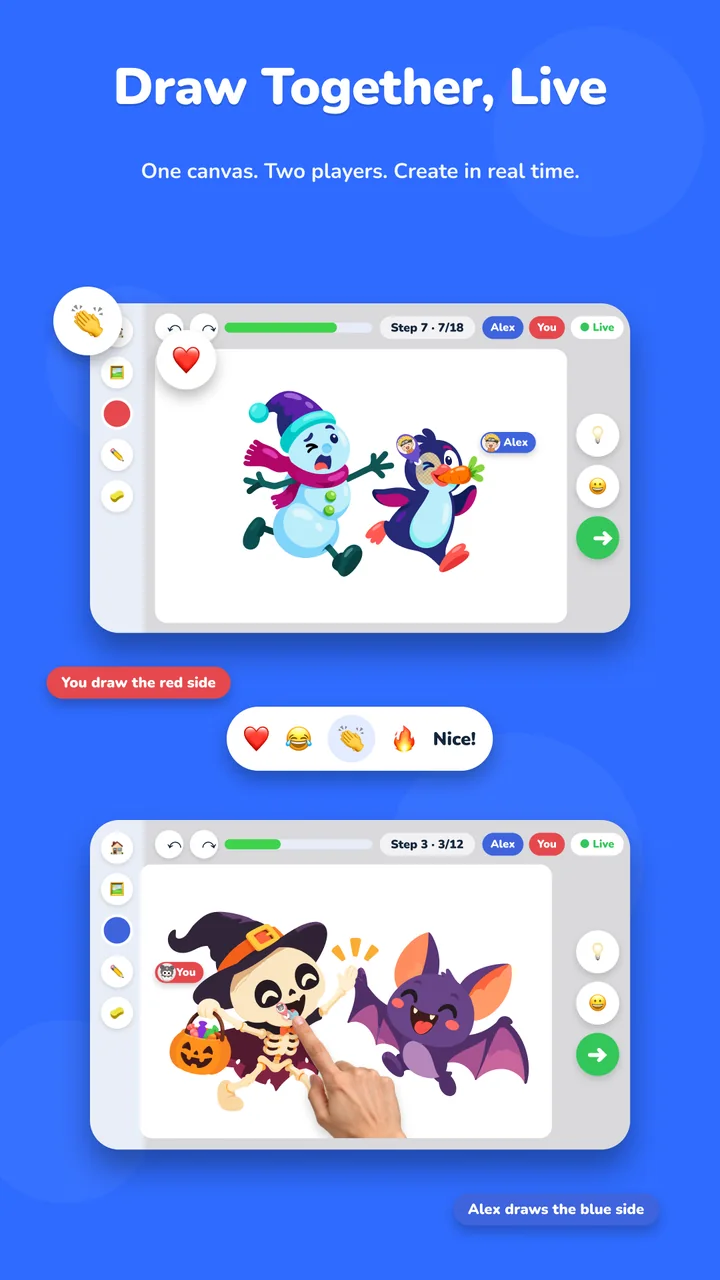
One canvas, two players, in real time. You take one side of the artwork and your partner takes the other, and you both see every stroke as it happens.
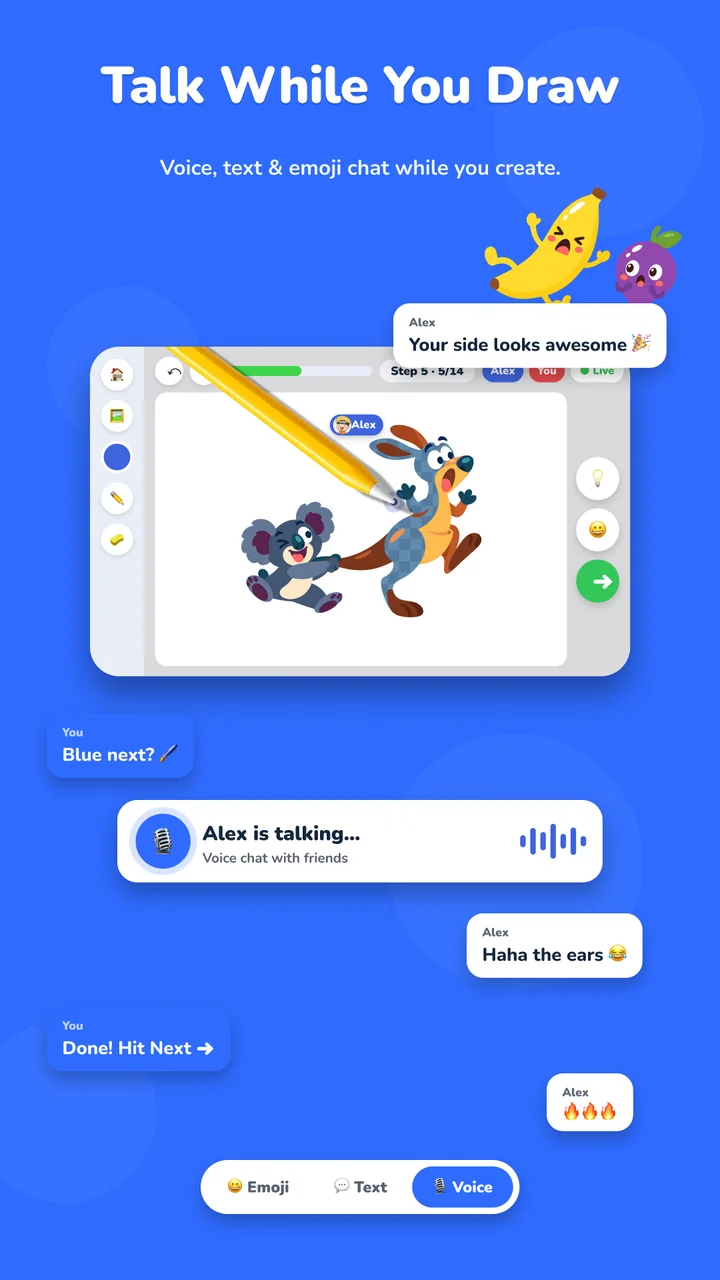
Voice, text and emoji chat with friends you invite. Chat is off by default, so a room stays quiet until you turn it on.
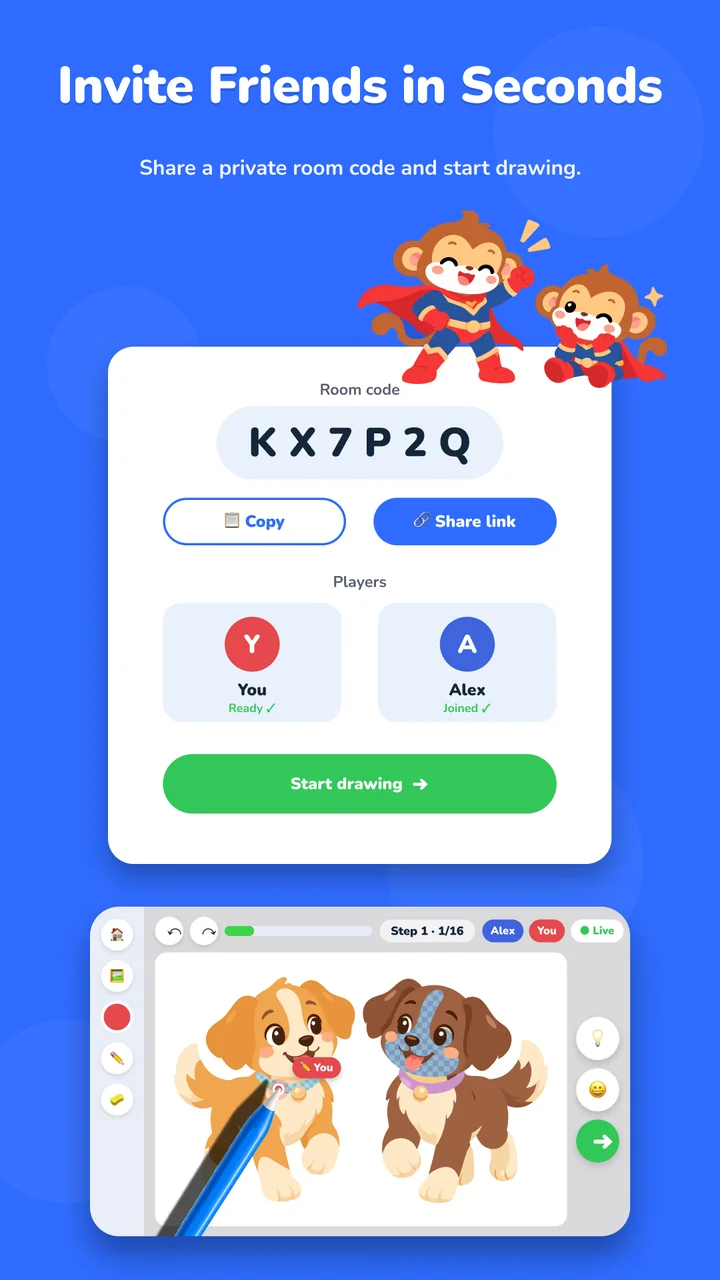
Every private room has a short code. Share it, or send a link, and your friend lands straight on your canvas.
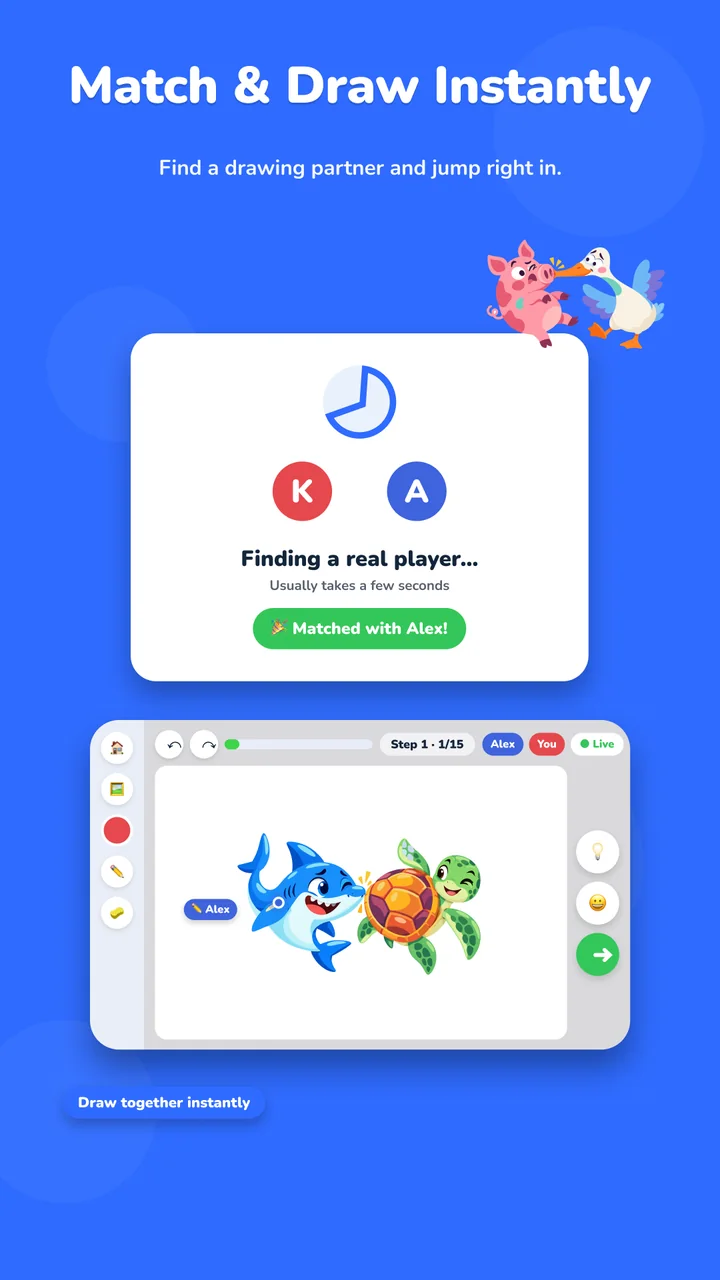
No friend online right now? Tap once and ArtDuo pairs you with a real drawing partner, usually within a few seconds.

Trace the guide, add the colours, finish the artwork. A live accuracy bar and hints keep you on track, with undo, redo and auto-fill whenever you need them.
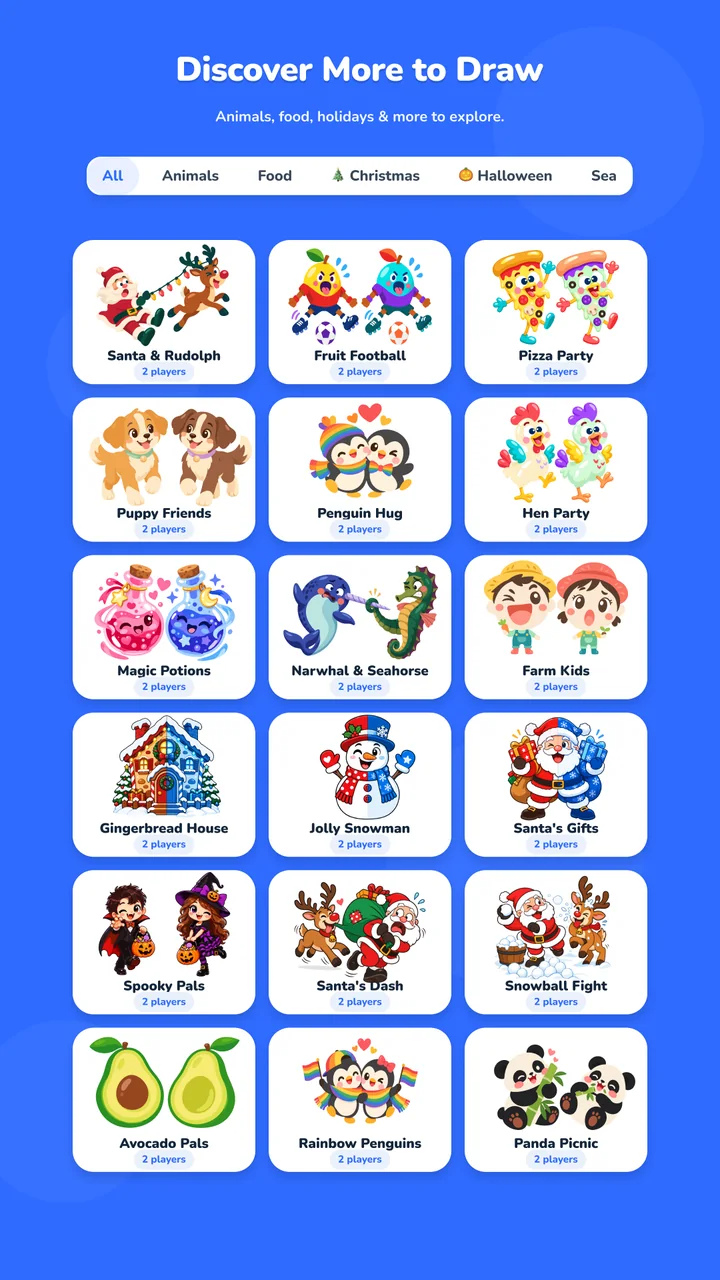
Browse by category and pick what you feel like drawing today. Animals, food, Christmas, Halloween, fairies and more, with new artworks added over time.
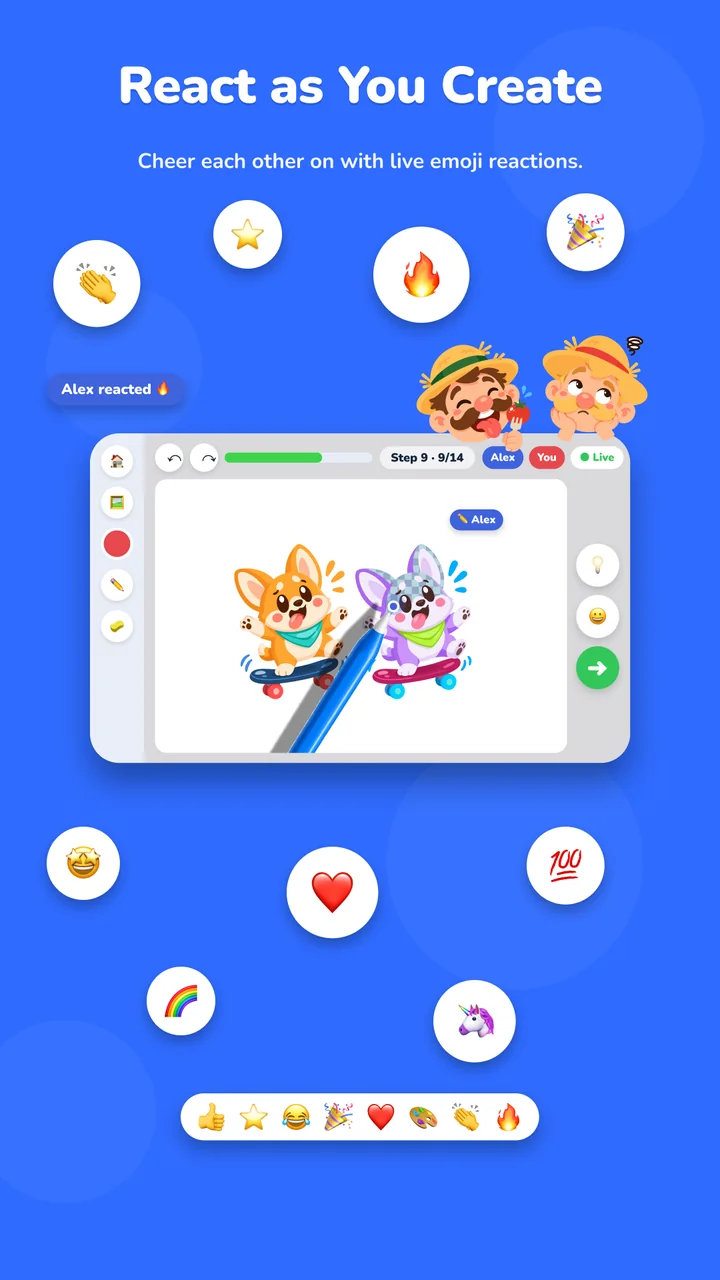
Send live emoji reactions while your partner draws. A heart at the right moment goes a long way.
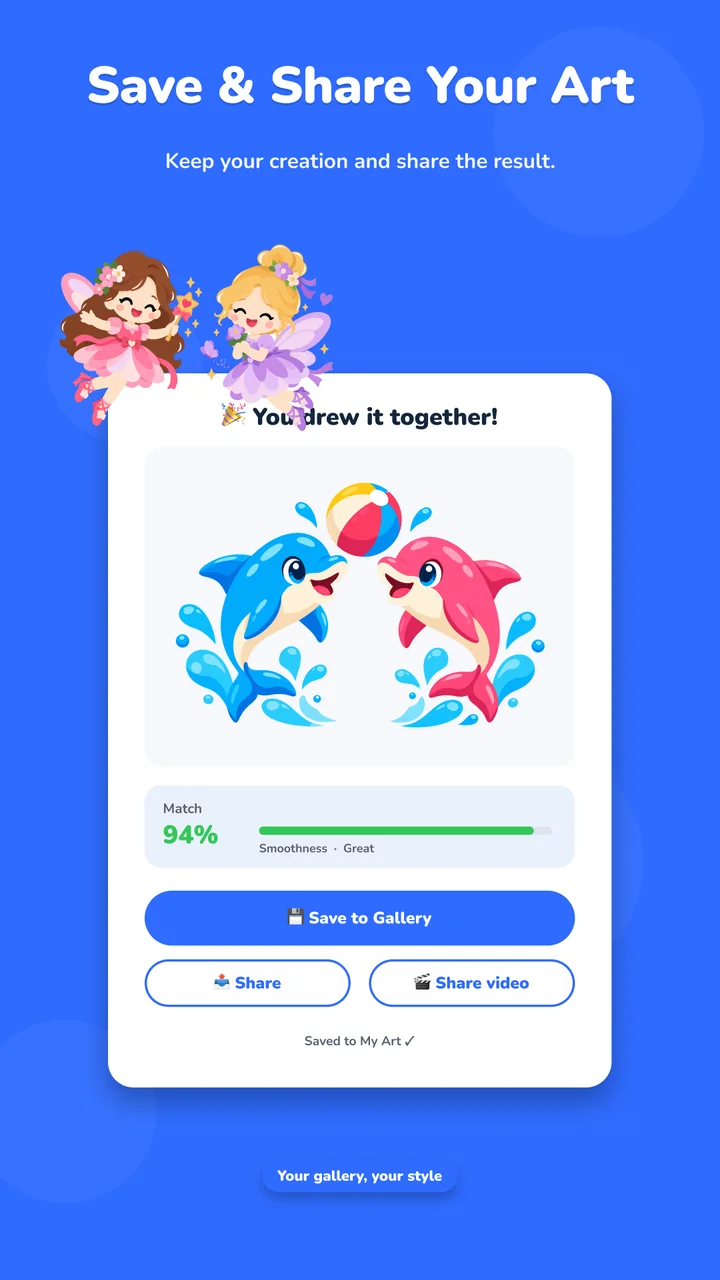
Every finished piece gets a match score and goes into your gallery. Share the picture, or a video of it being drawn.
Every artwork is also a lesson you can do on your own. Trace the outline, add one colour at a time, finish with the details. No partner needed.
The bar tells you how close your strokes are to the guide while you draw.
Stuck on a step? Ask for a hint, or let auto-fill handle the big areas.
Go back as many times as you like. Lessons save where you left off.
A few of the duos you can draw right now. Pick one and claim your half.

Yes. The free version has ads and a selection of artworks. Premium removes ads and unlocks the full library.
No. You can learn solo with the step-by-step lessons, or tap Match to be paired with another player in seconds. Invite a friend whenever you like with a room code or link.
ArtDuo is rated Everyone on Google Play. Voice, text and emoji chat are off by default and only work with friends you invite by code or link.
Android devices, from Google Play. Two-player rooms need an internet connection.
Every finished artwork goes into My Art inside the app. From there you can save it to your device, share the picture, or share a video of it being drawn.
Free on Google Play. Your first duo takes about five minutes.
Get it on Google Play